The platform / Tasks & teams

Give each person the right jobs and access

Give office staff, surveyors, fitters and subcontractors the work and access they need.

Discuss your workflow
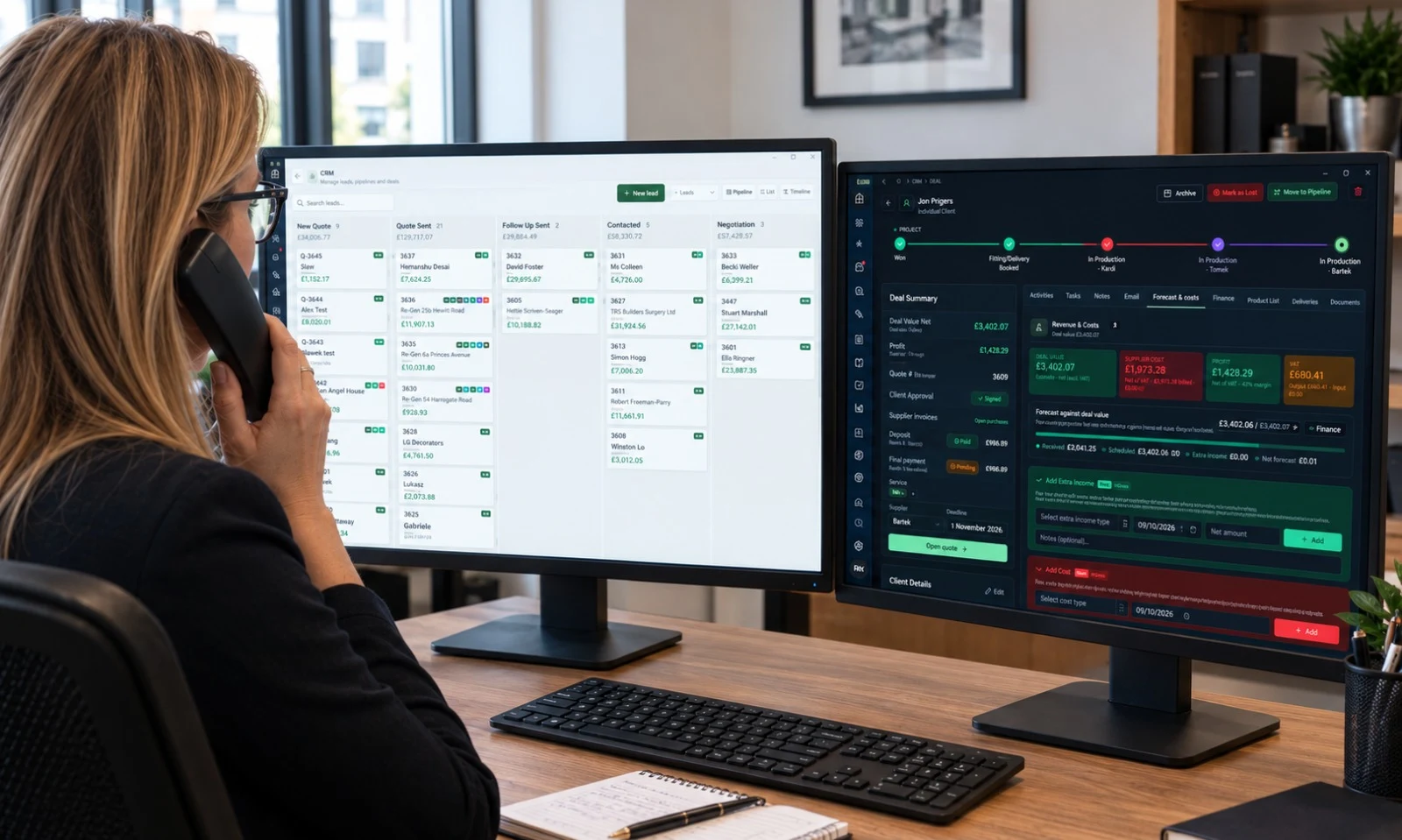
Fenora’s published workspace imagery: customer records and the CRM pipeline in the office.FENORA / PUBLISHED PRODUCT IMAGERY
Included in this module

What you can
do with it.

01

Responsibilities on the relevant job

02

Per-person access and permissions

03

Subcontractors limited to assigned work

04

Ten individually selected interface languages

Everything recorded here is stored on the same customer and job record used by the CRM, quoting, surveys, production and deliveries.

Teams, answered

Access for every person.

How Fenora Pro limits what each colleague and subcontractor can see.

What
Window & door business software
Price
From £95 / month, excl. VAT
Free trial
60 days, no card needed
Where
UK-operated, used online
Access
Browser, iOS & Android
Contact
hello@fenora.pro

Can subcontractors use Fenora Pro without seeing our prices?

Yes. In Fenora Pro subcontractors are limited to the jobs assigned to them: they see the work, not your pricing, customer list or wider workspace, and subcontractor access is free and unlimited.

  • Office staff, surveyors and fitters each get their own permissions, enforced on the server.
  • An administrator can withdraw anyone’s access immediately.
  • Each person chooses their interface language from ten.
See installations
Choose your next step

See how it fits your business.

You do not need to make the same decision as everyone else.

Already using Fenora? Log in to your workspace ↗ Continue an unfinished setup ↗Looking for help? Visit support.

The rest of the platform

See the other modules.

Explore the whole platform

Cookies on Fenora

We store only what Fenora needs to work — keeping you signed in, remembering your preferences, and holding survey data on your device while you are offline. No advertising cookies, no cross-site trackers, and only cookie-free, anonymous visit counts.