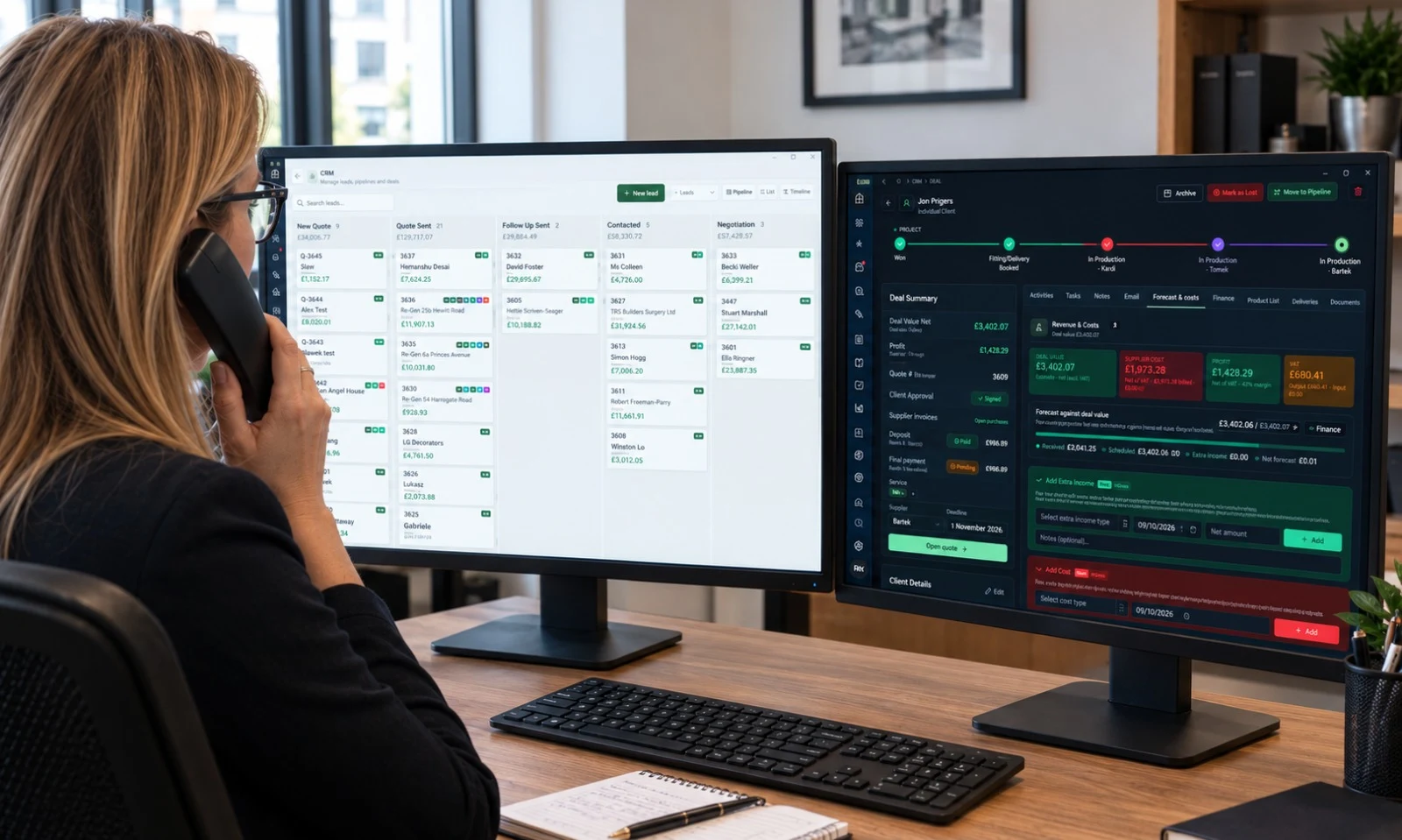
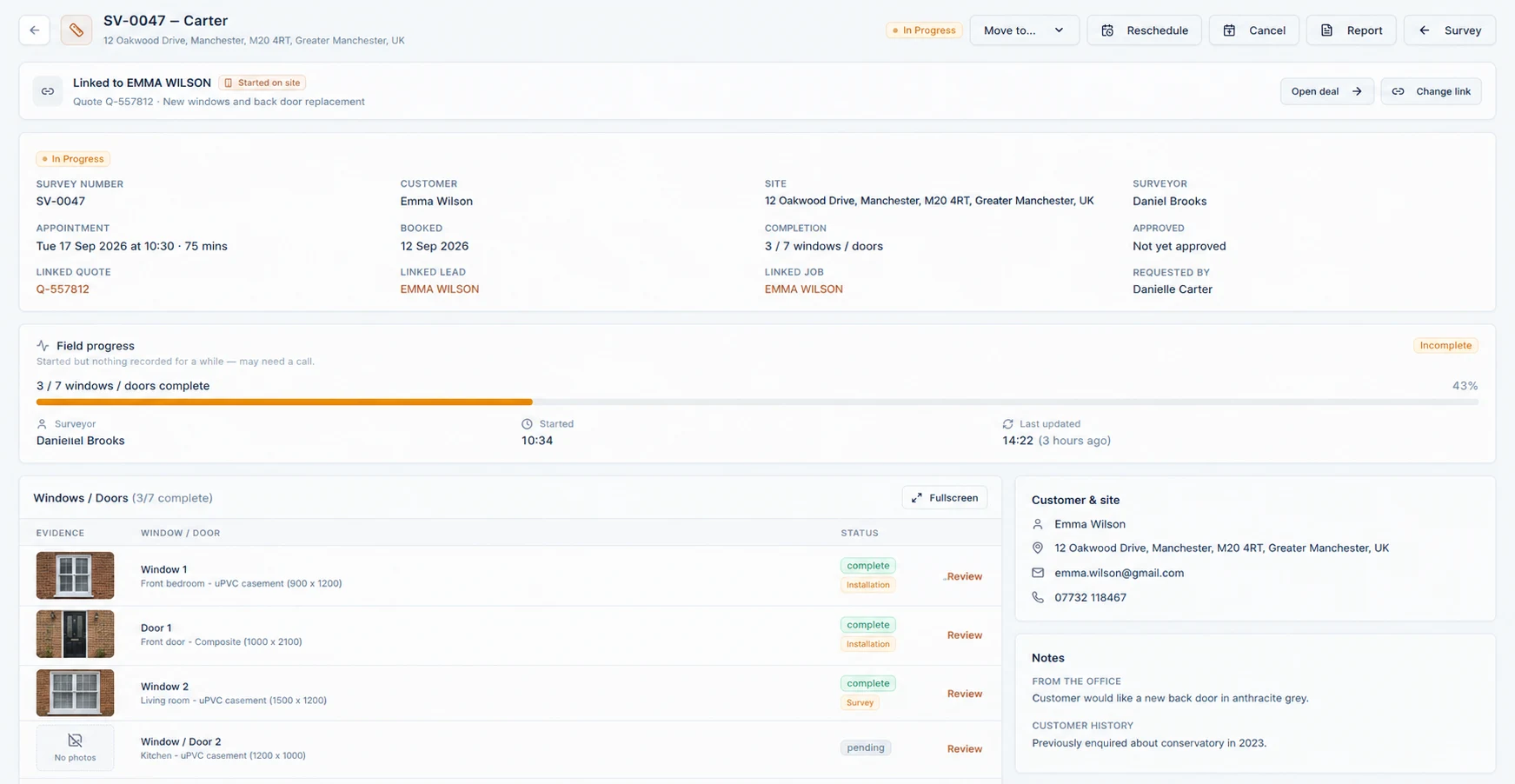
Choose your core workspace, people and optional modules. The published setup includes pipelines, document templates, a hardware library and a media pool.
After secure payment, continue to the platform to create your account and name your business. A saved plan selection is not a paid subscription.
Use the free help pages and platform walkthroughs to learn the tasks you need. There is no separate office or site training programme being promised here.
Work through a quote, survey or handoff relevant to your role. If the guides do not answer your question, use the support route to contact the team.
Choose a manageable first job. Review its specification, pricing, documents and permissions before it becomes live customer work.
You can focus on a part of the workflow first. If existing tools remain in use during the transition, agree which system owns each record and how changes are reconciled; automatic synchronisation is not assumed.
Return to the free guides and walkthroughs whenever you need them. Contact the team with the screen, job reference and what you expected to happen.
Never include passwords or card details. Billing changes are handled in the platform’s billing portal; security and data questions have their own published guidance.
You do not need everything ready to have a conversation. This checklist helps you know what to gather next.
0 of 6 preparation items checked. Saved only while this page is open.
Help, in the flow of work
Learn at your pace. Ask when you need to.
Help pages and platform walkthroughs are free. They are the starting point—not a separate office or site training programme. For questions the guides do not cover, contact the team through support.
You can focus your rollout on the work you need first—for example enquiries and quoting—while the core remains one workspace. Job Finder, Survey App and Customs are optional additions. Agree a sensible first workflow; this does not promise custom modules or automatic synchronisation with every existing tool.
What should we prepare?
Bring a representative quotation, your product range and rates, a list of people and roles, and an inventory of existing records and tools. The checklist on this page is a practical starting point, not a demand to have everything ready before speaking to us.
Can we import our existing customers and quotes from another system?
No. Fenora cannot import data from another platform, and we do not offer a migration or transfer service. There is no importer for customer lists, quotes, jobs or files. You start working on Fenora gradually — running it alongside your current setup and moving each job across as it happens, until Fenora becomes the system you work from.
What needs our own setup?
The workspace starts with pipelines, templates, hardware and media. Your own material rates, glass and hardware costs, wood panel pricing and fitting rates still need to be loaded and checked. Review product options, branding and people’s permissions too.
Who helps us, and is training included?
Help pages and platform walkthroughs are free. Use them at your own pace, and contact the team through support when you need help. There is no separate office/site training programme or guaranteed personal training session included in this description.
Do you offer a migration or data transfer service?
No. There is no data import, transfer or assisted migration service, and no charge for one — because there is nothing to charge for. You begin on Fenora with your next job, not with a copy of your old records, and let it take over as you go.
Can we keep our current tools while we get going?
Yes. Most businesses run Fenora alongside their existing setup to begin with, moving each new job across as it happens, until Fenora becomes the system they work from. Fenora does not sync with another platform automatically — the two stay separate, and you decide when the old one stops being used.
What if Fenora is not right for us?
Subscriptions are monthly. Cancel in the billing portal to stop the next renewal; paid access continues to the end of the period. First-time subscribers can request a full refund of the first payment within 14 days, once per business, under the Refund Policy. Export what you need before closure; the published policy describes 30 days of data retention after cancellation.
Choose your next step
A conversation. Or a workspace.
You do not need to make the same decision as everyone else.
We store only what Fenora needs to work — keeping you signed in, remembering your preferences, and holding survey data on your device while you are offline. No advertising cookies, no cross-site trackers, and only cookie-free, anonymous visit counts.